INTRODUCTION TO ENTREPRENEURSHIP (22 NOVEMBER 2017)
PARTICIPANTS ARE REQUIRED TO MAKE PAYMENTS USING UPM PAYMENT GATEWAY
Making Payment via UPM Payment Gateway
Step-by-step Guide:
Note : For best results, please use Chrome browser.
1. Go to UPM Payment Gateway page https://paygate.upm.edu.my/action.do?do=&bahasa=bi and click "Make Payment"

2. Select "INTRODUCTION TO ENTREPRENEURSHIP" from the drop-down list under "PAYMENT FOR" and insert the participant's detail in the form provided.
Note: • You can leave the "PAYMENT DETAILS" blank.
• The value "AMOUNT" should have 2 decimal digits. For example; 53.00 (if your currency is RM)

3. Select your prefered payment method. Key-in the required form if you choose "Credit Card" and select your prefered bank if you choose "Online Banking" and click "Proceed" button to continue with the payment.
Note: • For credit card, only USD (US Dollar) and RM (Ringgit Malaysia) are applicable.
• For online banking, only RM (Ringgit Malaysia) is applicable.

Please do not close your current window or click the Back button on your browser until your browser takes you the page as below. We may not receive a successful transaction status from you if the process is interrupted.
4. Once your payment is completed, your status will show "Successful".

5.The payment receipt will be sent to you by email.
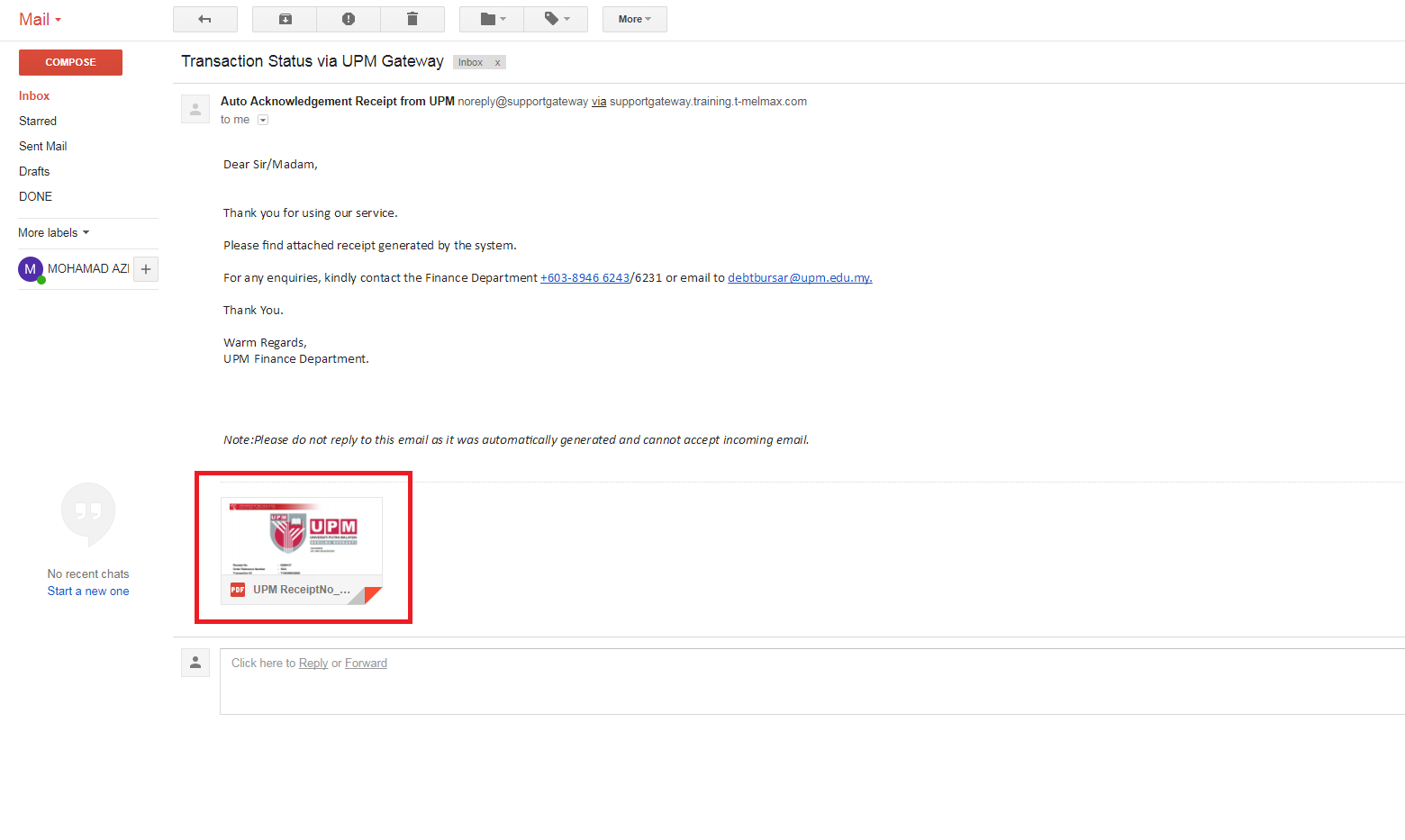
Participants need to bring their payment receipt on the day of the event.
|
IF YOU REQUIRE FURTHER CLARIFICATION PLEASE CONTACT:
|
|
Mr. Mohamad Hafiz Mohamad
Assistant Registrar
Student Affairs & Learning Support Unit
Sekolah Pengajian Siswazah
Universiti Putra Malaysia
43400 Serdang, Selangor
Malaysia
Tel: +603-8946 4245
Email: mhafizm@upm.edu.my / hafizmdz@gmail.com
|
Updated:: 24/11/2017 [azimin]
MEDIA SHARING